


Important
Lumary Compatibility: This version of the AU Healthcare Package is compatible with the following Lumary packages. These Lumary packages must be installed prior to updating the AU Healthcare Package.
Contact Lumary for the following package upgrades.
- Lumary: 16.5 or greater
- Enrite Services: 1.292 or greater
Skedulo Compatibility:This version of the AU Healthcare Package is compatible with the following Skedulo packages. This version of the Skedulo Package must be installed prior to updating the AU Healthcare Package.
- Skedulo: 102.54 or greater
What’s New?
Description
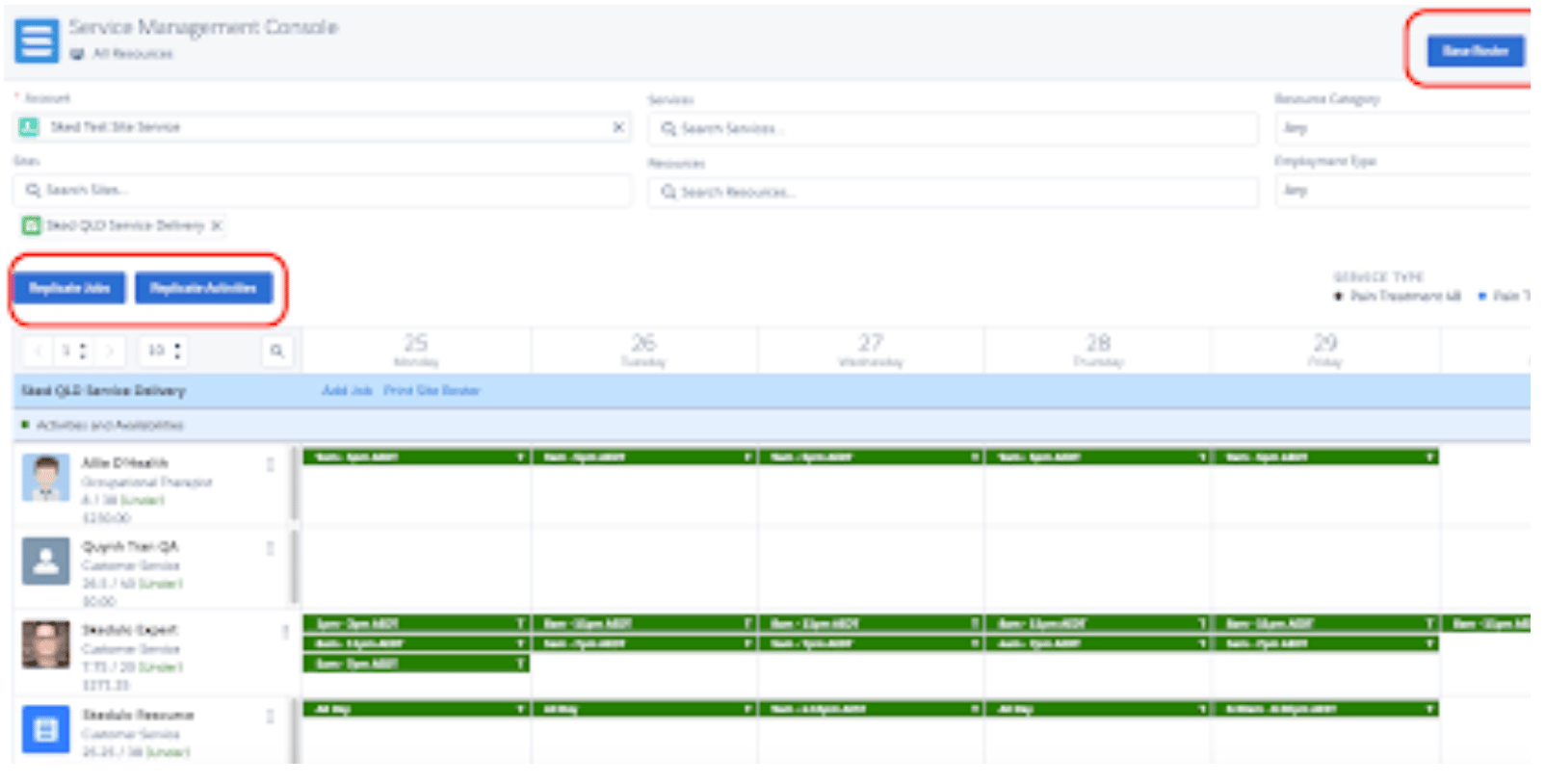
The Service Management Console now contains Base Roster functionality previously available only in the Resource Roster Console.
When replicating Jobs and Activities from the Base Roster, only jobs matching site and service conditions will be replicate.
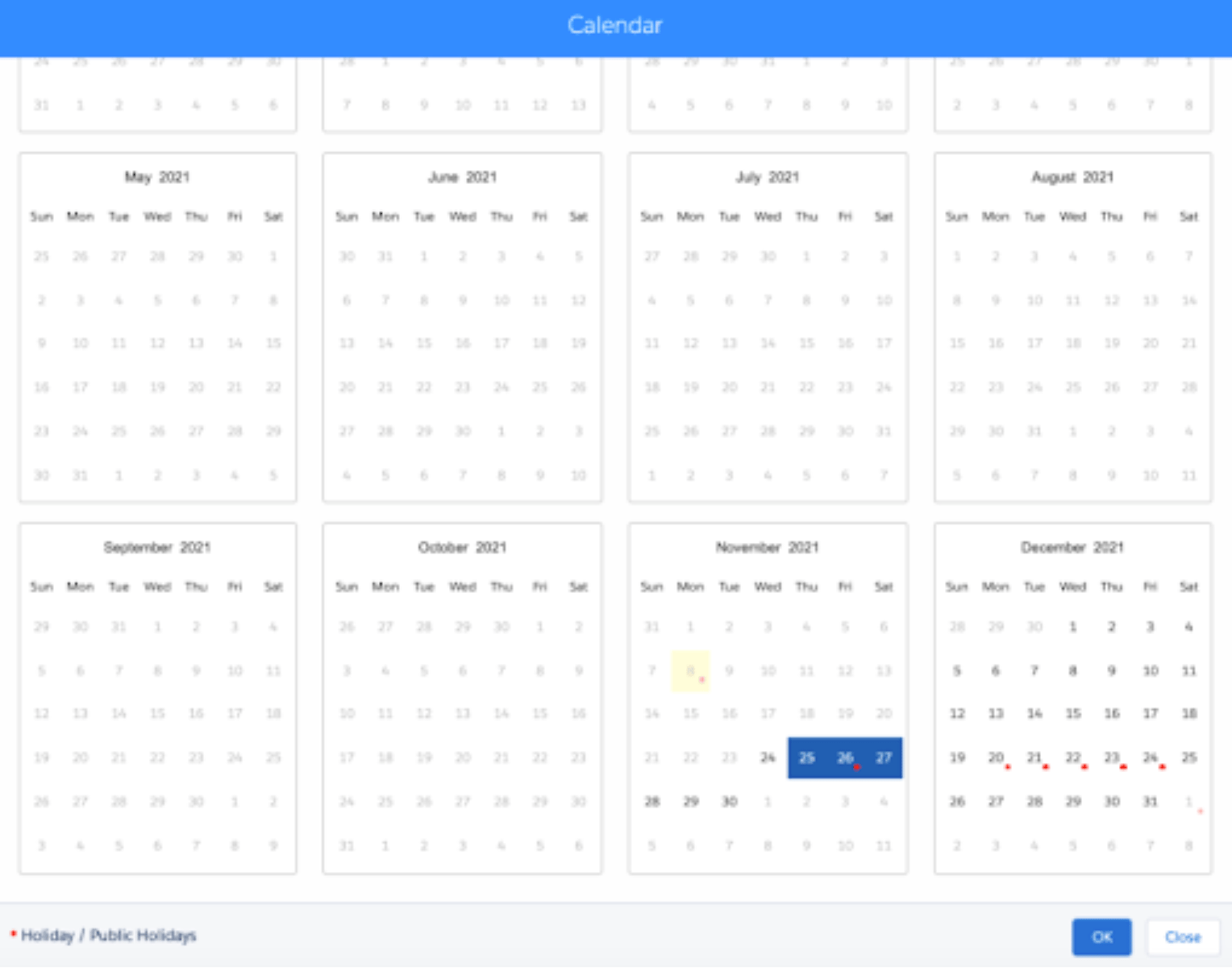
Previously when using the Recurring Jobs feature, the Calendar Picker was not skipping holidays as it does with the Pattern Builder. A visual cue, a red dot, now displays on the calendar if there is a Holiday and a warning has been added if a Holiday has been selected to advise the day selected is considered a Holiday.
Organisations receiving Department of Social Services funding are required to submit regular activity reports via the Data Exchange (DEX). To support Lumary changes required for DEX reporting Skedulo has introduced the following fields:
- An additional field called Service Setting has been added to the Job object, if enabled this will display on the Schedule Job modal so it can be captured when scheduling a job. This feature is off by default and can be enabled in Salesforce via Setup > Custom Settings > Skedulo Additional Fields > Location Settings. Next check active, and change the label field to read Service Setting
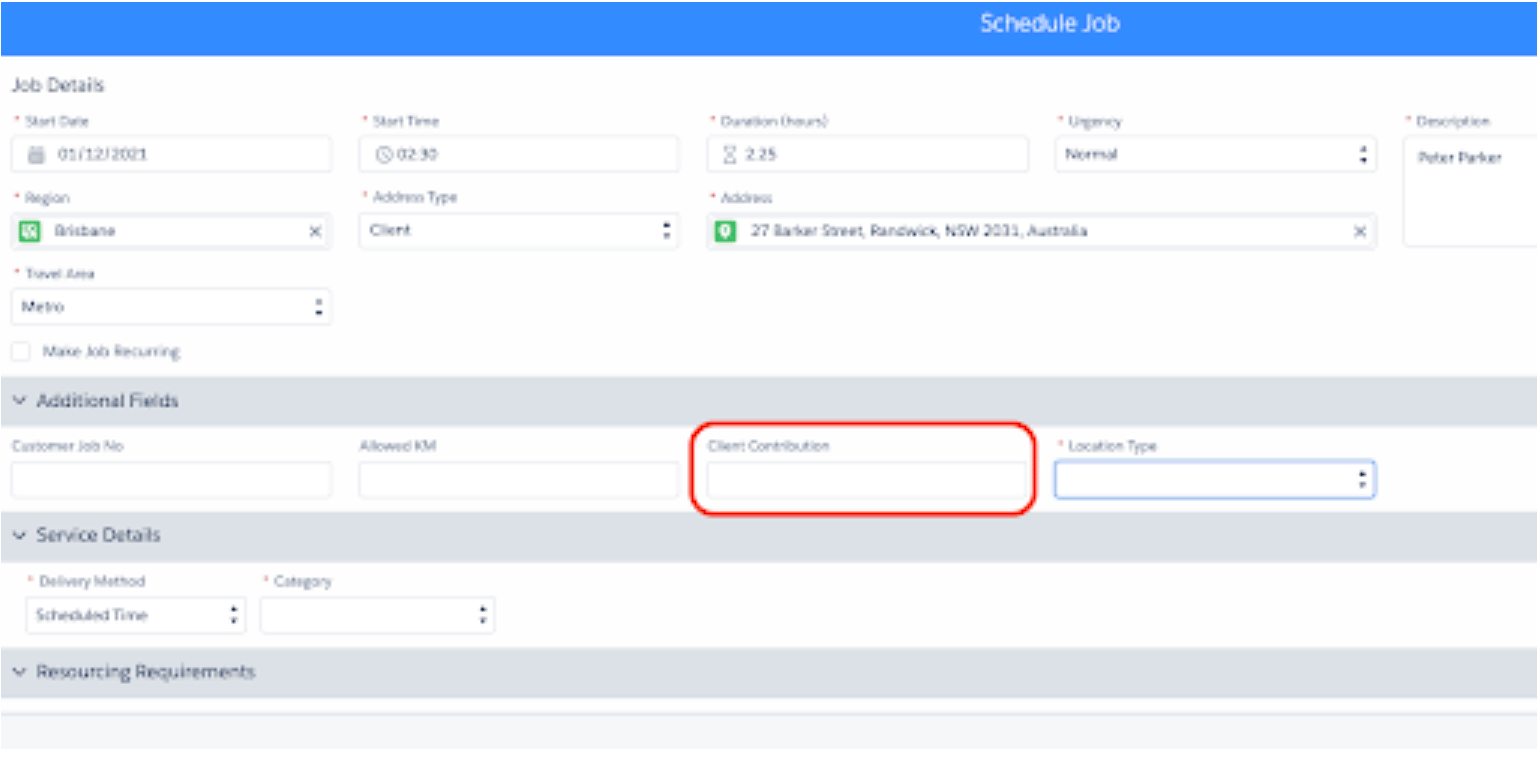
- An additional numerical field called ‘Client Contribution’ has been added to the JSI that can be displayed on the Schedule Job Window. This feature is off by default and can be enabled in Salesforce via Setup > Custom Settings > Skedulo Additional Fields > Client Contribution, then check active
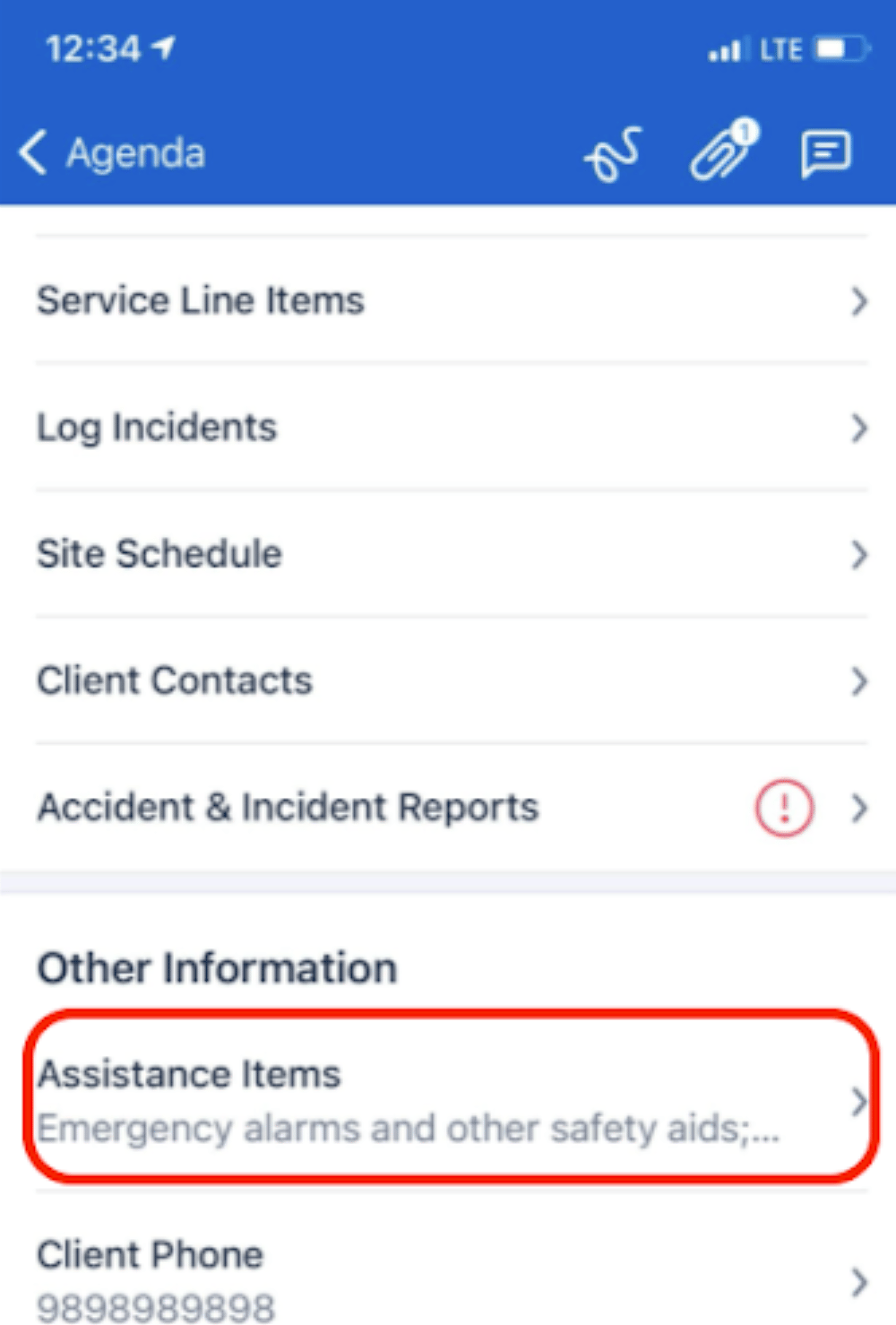
- The Client Contribution field can be added to the Mobile App via the Skedulo Web App by going to settings > Custom fields > Select the Job Service Item Object > Add field name client contribution> Select Show in mobile checkbox, then Save.
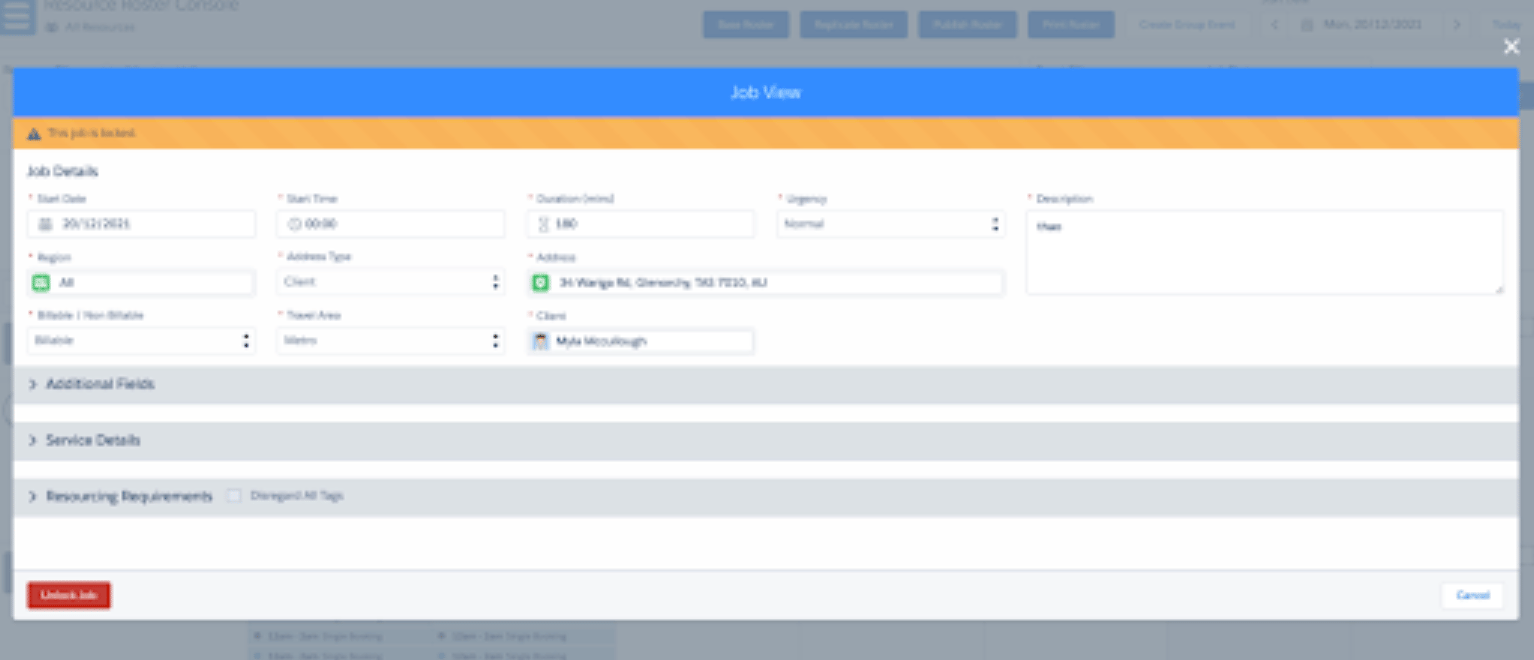
- A new field ‘Assistance Items’ has been added to the JSI that can be displayed on Mobile. This field is off by default, to enable it on mobile the field can be added via the Skedulo Web app. Visit Settings > Custom fields > Select the Job Service Item Object > Add field name Assistance Item > Select Show in mobile checkbox, then Save.
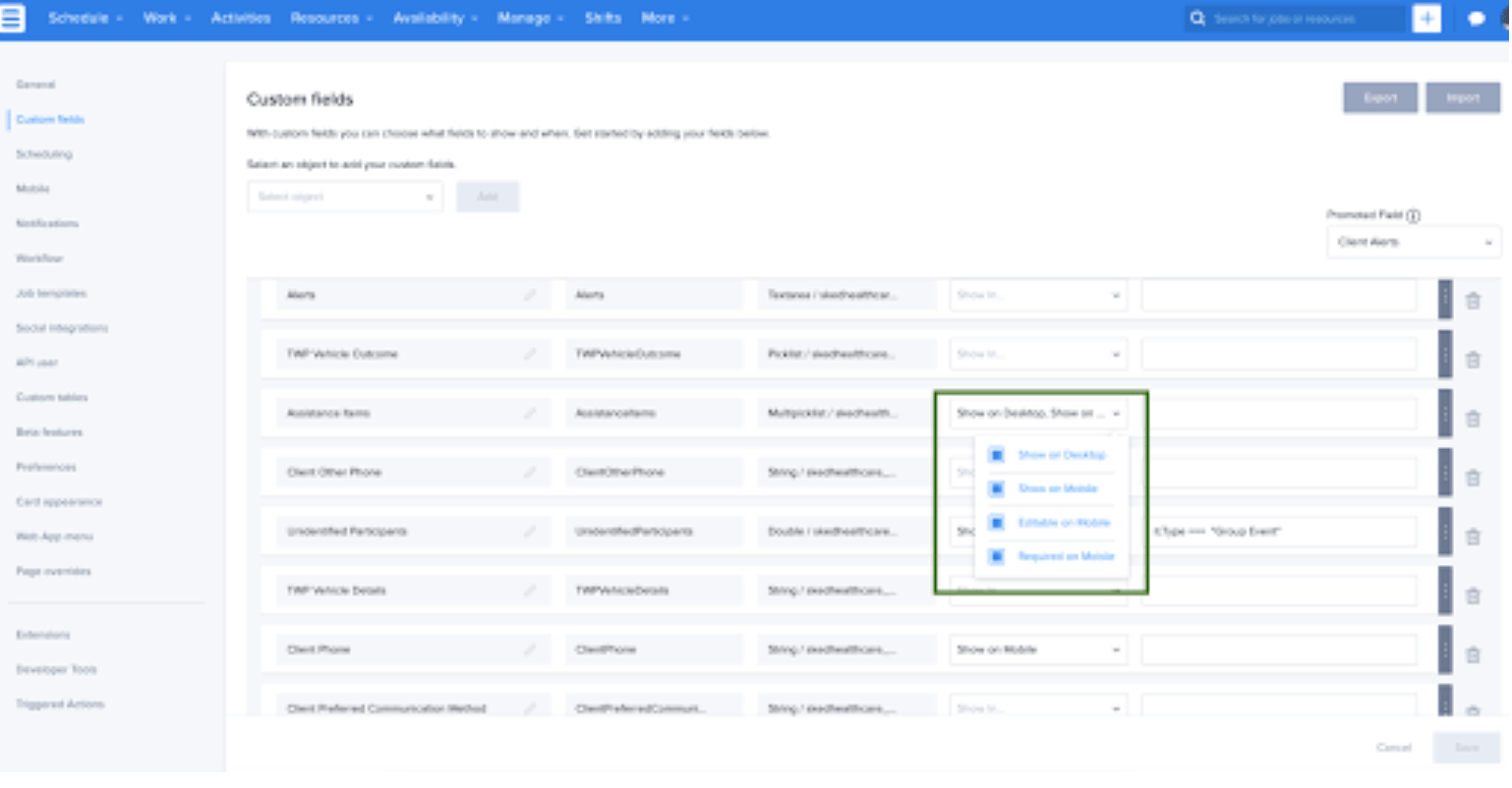
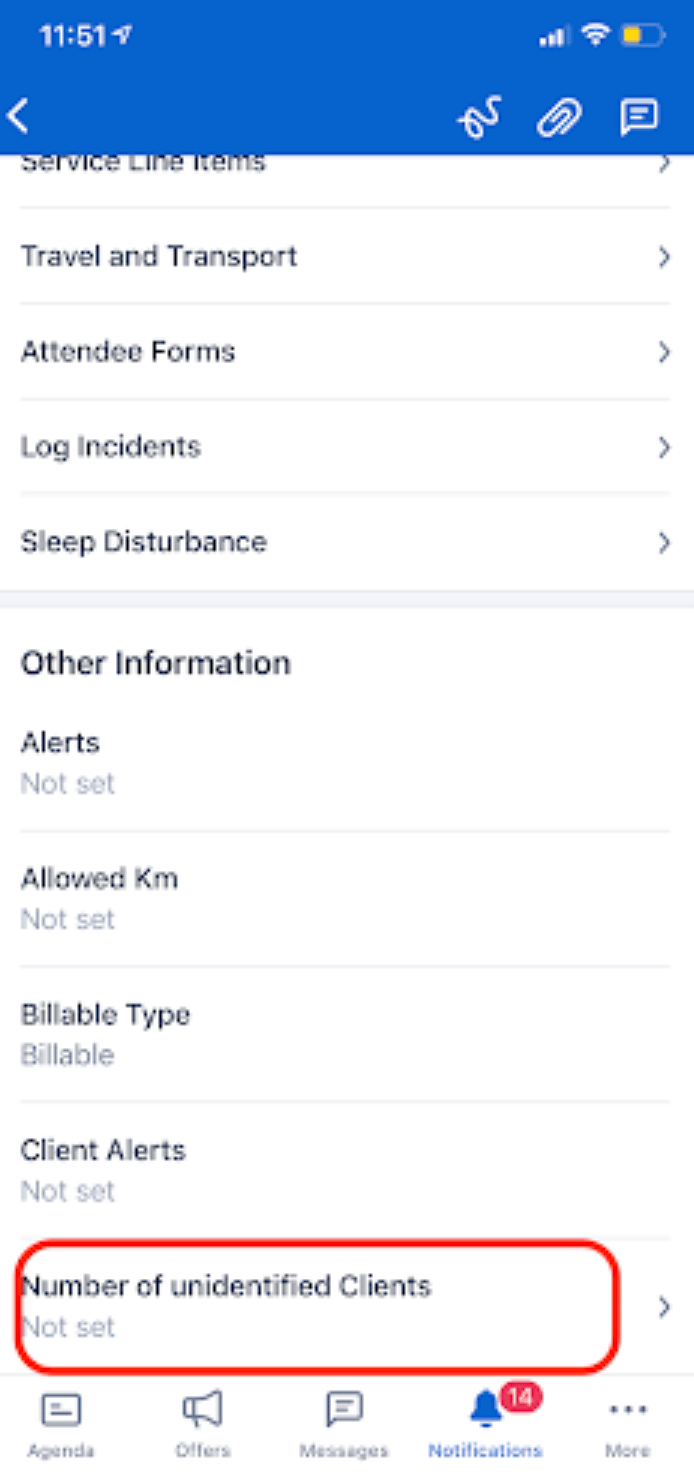
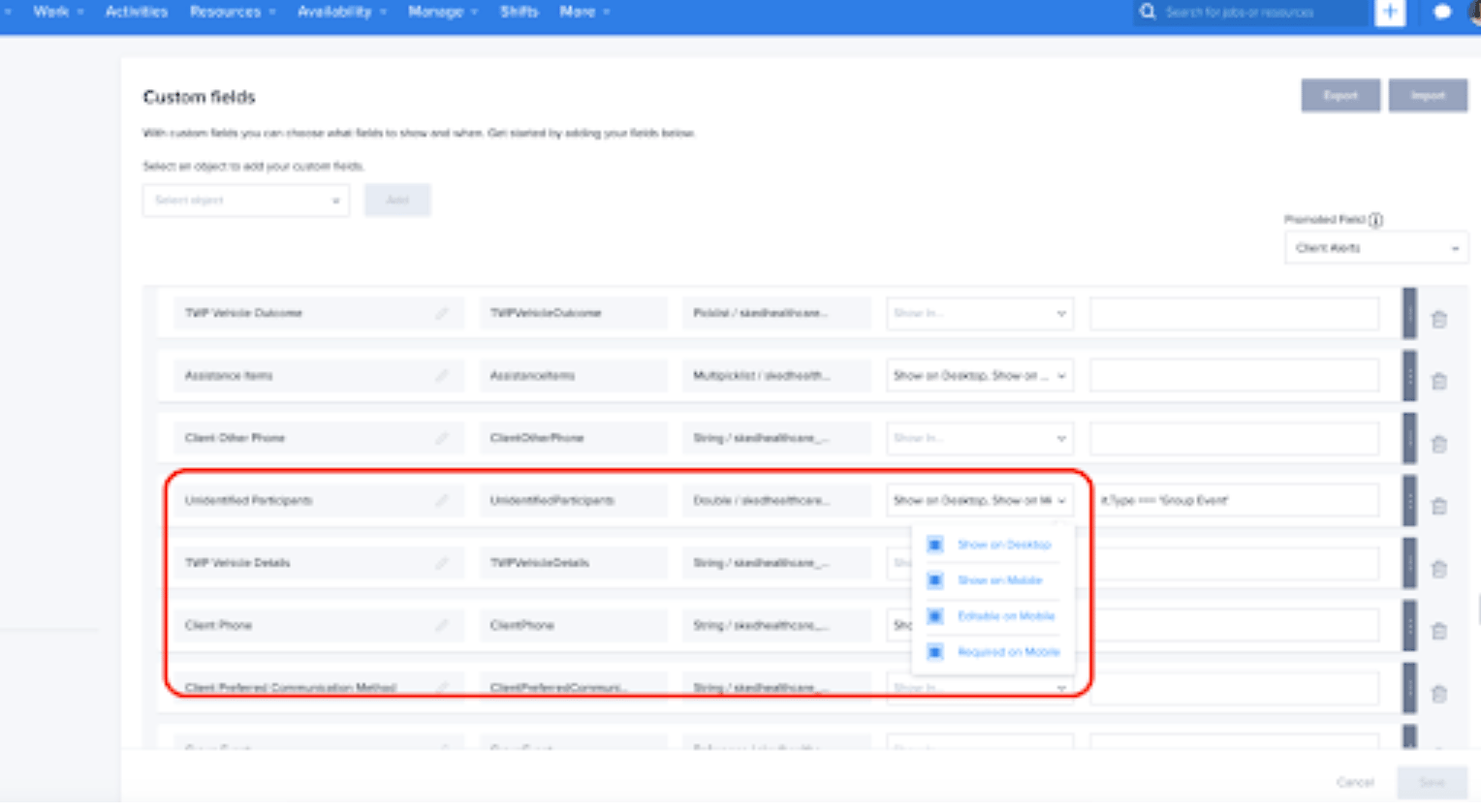
- A field called ‘Number of Unidentified Clients’ has been added to the JSI that can be displayed on Mobile. This field is off by default, to enable on mobile the field needs to be added via the Skedulo Web app. Visit Settings > Custom fields > Select the Job Service Item Object > Add field name Unidentified Participants > Select Show in mobile checkbox, then save.
In v1.145 we released additional Ratio Management features for Group Events. This is turned off by default. In v1.146 we have increased the Ratio pick list value from 1:5 to 1:25. There are three places the picklist values needs to be updated in Salesforce:
- Set up>Object Manager>Group Event>Fields and Relationships>Scheduled Delivery Ratio>New>Enter 1:6, then save then repeat the above steps up to 1:25
- Set up>Object Manager>Job>Fields and Relationships>Scheduled Delivery Ratio>New>enter 1:6>Save>repeat up to 1:25
- Set up>Object Manager>Job Service Item>Fields and Relationships>Scheduled Delivery Ratio>New>enter 1:6>save>repeat up to 1:25
Issues Resolved
- When a recurring series of Jobs was created from the Resource Roster Console, the job status was not updated on all Jobs. Only the first Job in the series was updated to the correct status; the remainder would stay in Pending Dispatch. This has been fixed in v1.156
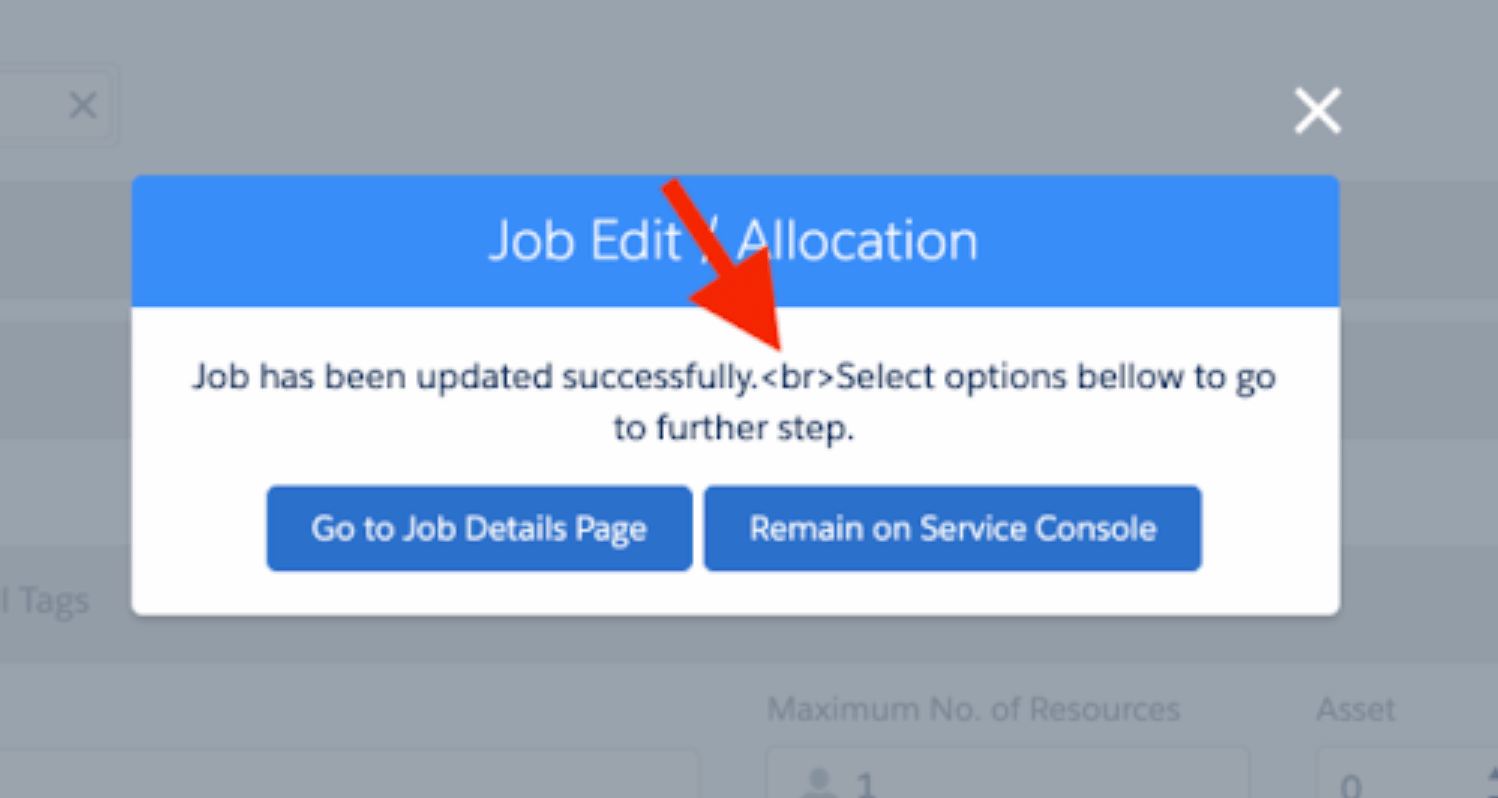
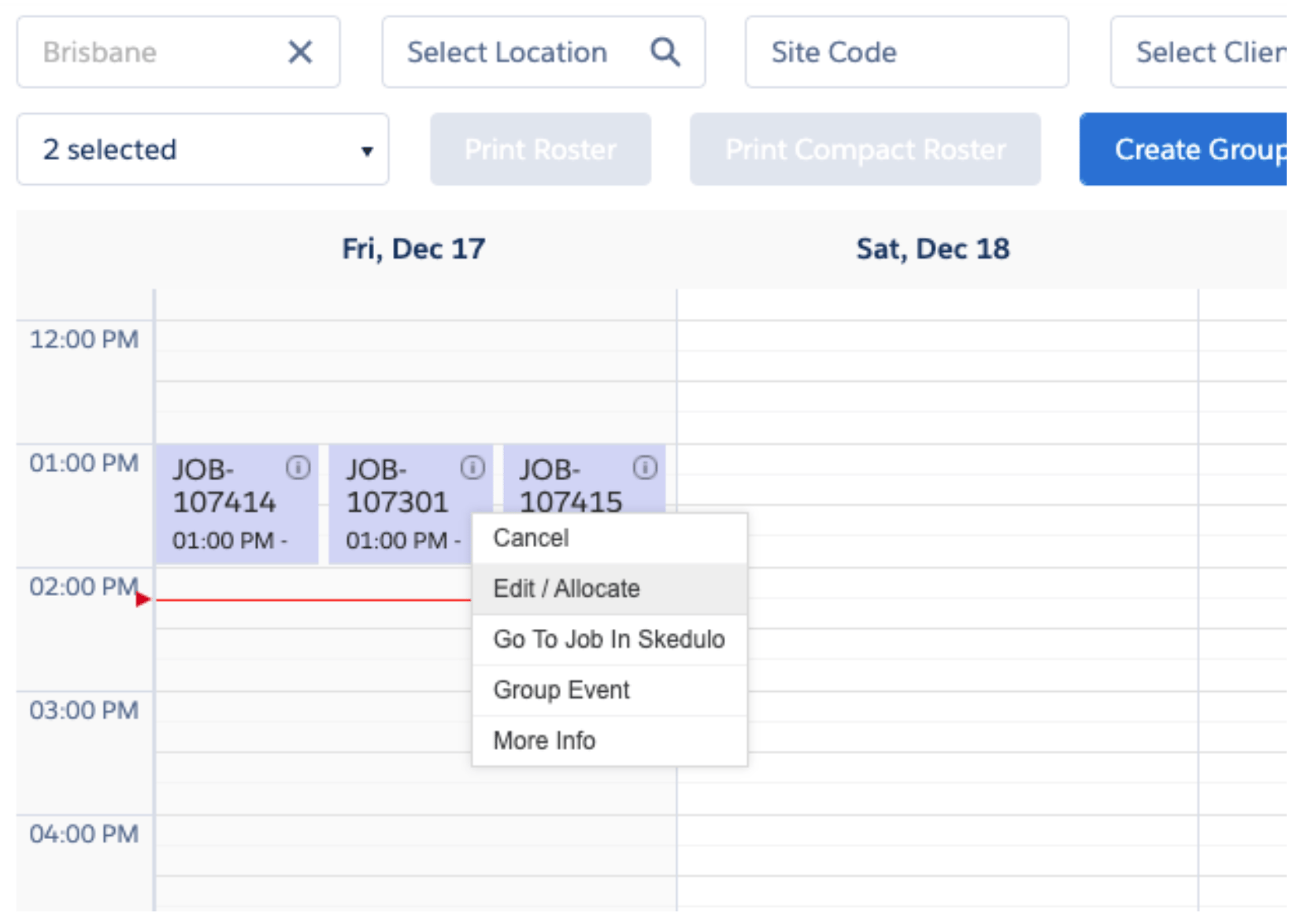
- When selecting Edit Job / Allocate from any console the text <br> was visible in the message. This has been removed in v1.156
Important
Additional Install Component: If you are upgrading from version 1.39 or less this version of the AU Healthcare Package requires the installation of an additional component. Installation is required to enable certain core functionality
Refer to the AUHC Additional Install Component page for further details and steps to perform the installation.
Manual Installation Links
Sandbox: https://test.salesforce.com/packaging/installPackage.apexp?p0=04t8W0000032kM4
Production: https://login.salesforce.com/packaging/installPackage.apexp?p0=04t8W0000032kM4
Please note: You must be a Salesforce Administrator to install this package.