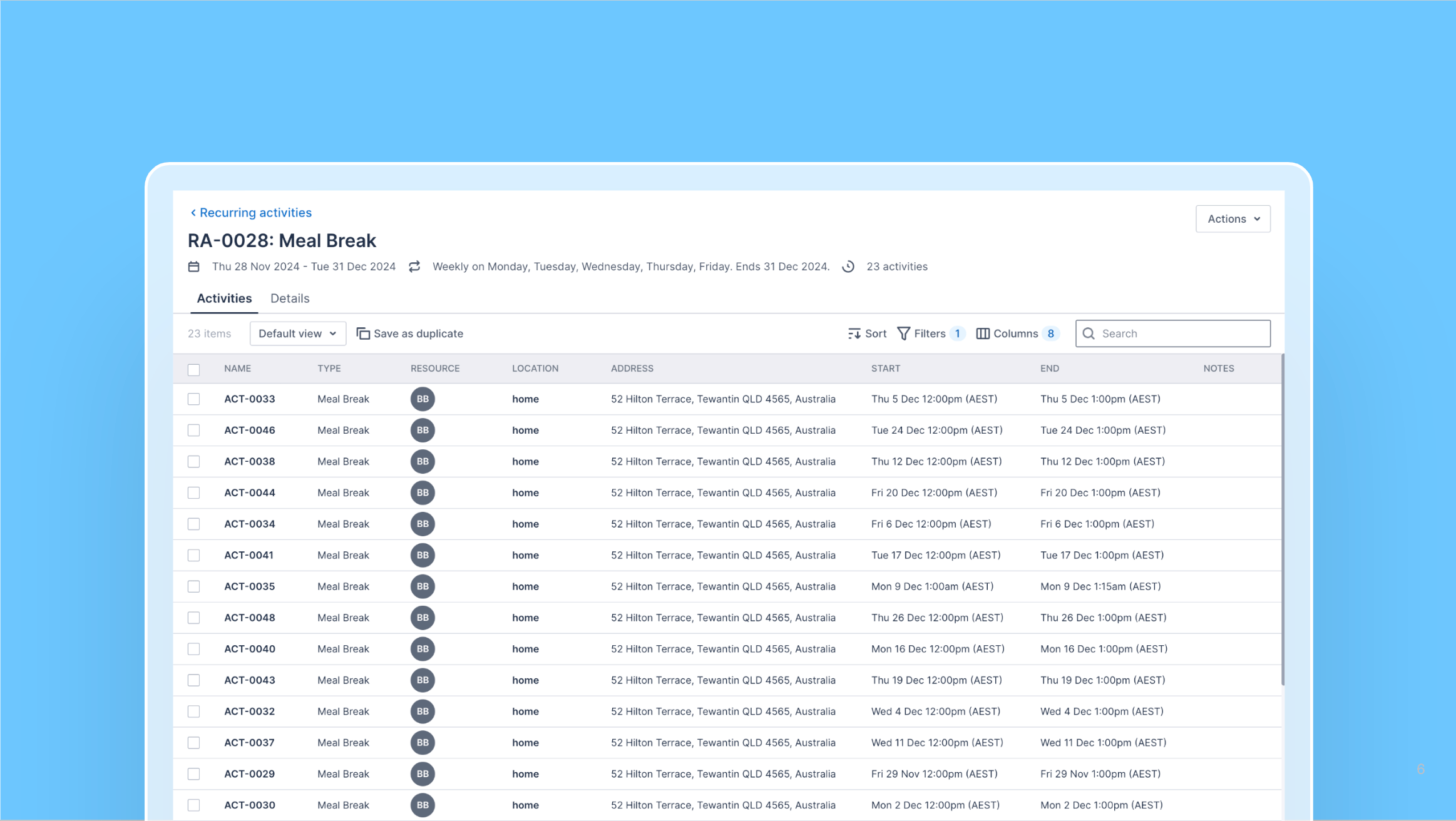
The recurring activities functionality comes as part of a new extension that improves the overall activities management experience.
It includes:
Activity creation and edit page: Similar to the existing activity creation page, but has some additional functionality:
Timezone support: Schedulers can change the timezone of the activity to any of the predefined regions set up in their account.
Recurring activities: This feature allows schedulers to bulk-create activities that repeat. Without this extension, each recurring activity had to be created individually. This feature drastically speeds up this process and removes the risk of mistakes being made.
All activities list: Displays all activities (recurring and one-off) and includes filtering, sorting, and column customization. It also lets schedulers save filtered views, allowing them to tailor the view to suit the job at hand.
Recurring activities list: Lists all of the parent recurring activities that have been created.
Recurring activities management page: Allows schedulers to edit or delete individual recurring activity records.
This experience provides significant improvements to the standard experience, even for customers who don’t need the recurring activities functionality.